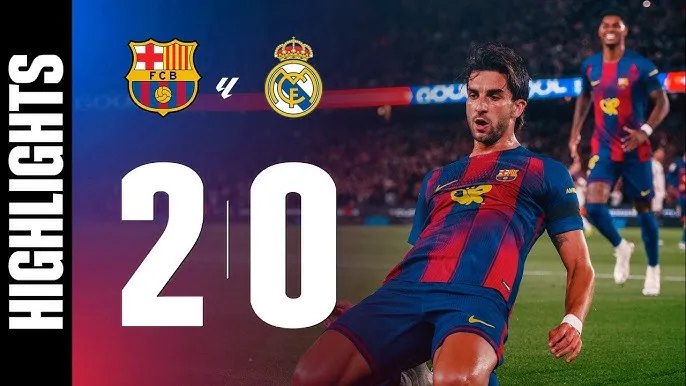

Why Spoilers Are Harder to Avoid Than Ever
The speed at which match results travel across digital platforms has increased dramatically over the past five years, with the average time between a final whistle and a result appearing in a user's social media feed now measured in under 90 seconds according to platform data published in early 2026.
Setting Up a Spoiler-Free Environment
Building a reliable spoiler-free setup requires changes at both the device level and the platform level, and most of the steps involved take less than ten minutes to implement across a standard smartphone.
Device and App Settings to Change Immediately
The most common sources of accidental spoilers are push notifications and home screen widgets, both of which can be disabled quickly without affecting the core functionality of any app.
Disable push notifications for all news apps, social media platforms, and sports score applications before a match ends
Remove sports score widgets from your home screen and lock screen on both iOS and Android devices
Turn off notification previews so that message content does not appear on a locked screen from group chats
Enable airplane mode or do not disturb mode immediately after the match kicks off if you plan to watch later
Browser and Social Media Adjustments
Browser extensions designed to block sports scores exist for Chrome, Firefox, and Safari, and several of them can be configured to target specific leagues or competitions rather than blocking all sports content.
Install a score-blocking browser extension such as Silencer or SportShield and configure it for your target leagues
Mute keywords related to the competing clubs on Twitter and Instagram using each platform's built-in muting tools
Switch YouTube's homepage to a non-sports category before opening the app to prevent thumbnail spoilers from appearing
Use a separate browser profile exclusively for football content so that algorithm-driven recommendations stay isolated